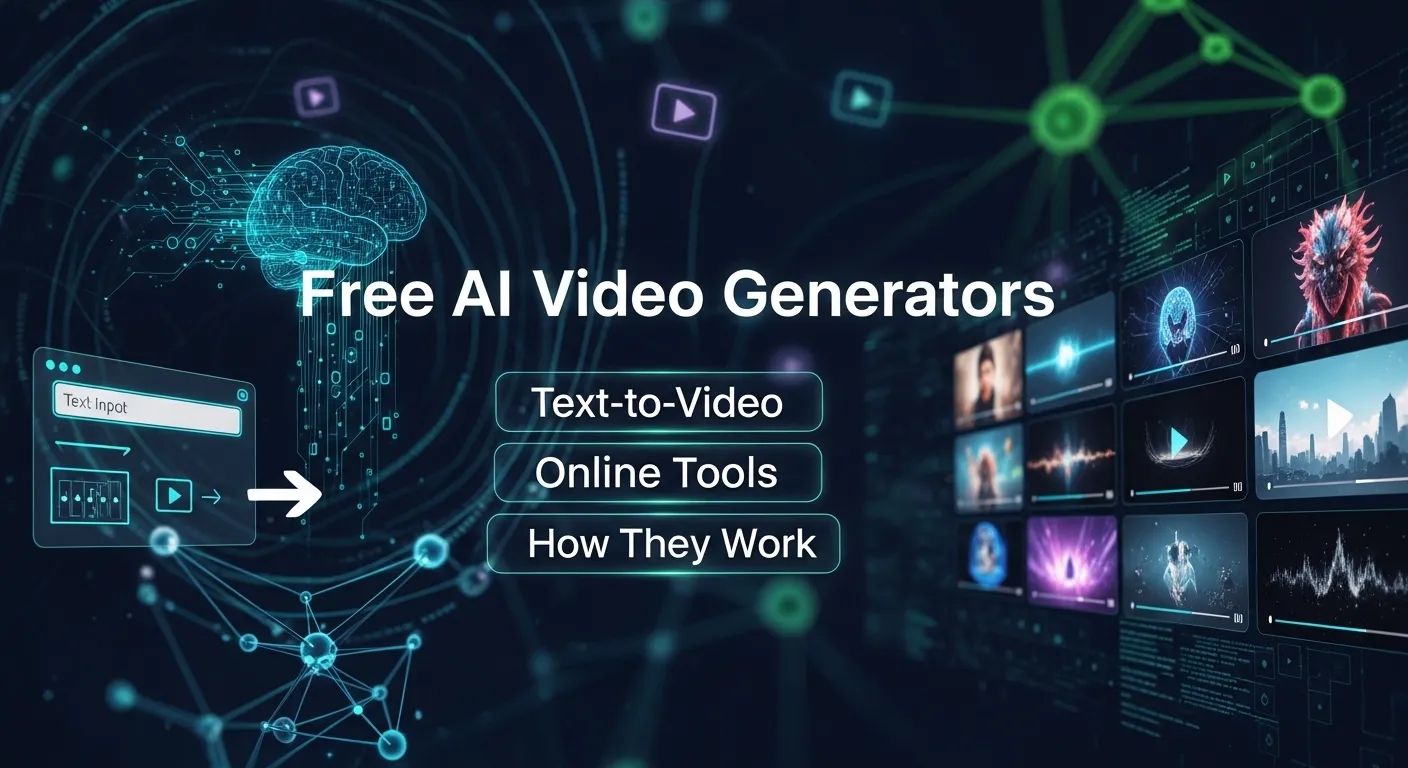

AI video generators are transforming the way creators, marketers, and educators produce content.
If you want to create explainer videos, animated tutorials, or short marketing clips, AI tools can automate much of the process.
In this guide, we’ll dive deep into free AI video generators, explain how they work, explore their features, and discuss best practices for using them effectively.
What Is an AI Video Generator?
An AI video generator is software powered by Artificial Intelligence (AI) that automatically creates videos from text, images, or other media inputs. Instead of manually editing every frame, users can input scripts, prompts, or storyboards, and the AI handles the rest.
Key features include:
- Automated video generation: AI edits, animates, and compiles clips for you.
- Text-to-video conversion: Convert scripts or prompts into animated or real-life video scenes.
- Media synthesis: Integrates stock footage, voiceovers, music, and graphics automatically.
For example, you can type a description like:
“A scenic sunrise over mountains with relaxing background music”
…and a free AI video generator can produce a complete video clip in minutes.
How AI Video Generators Work
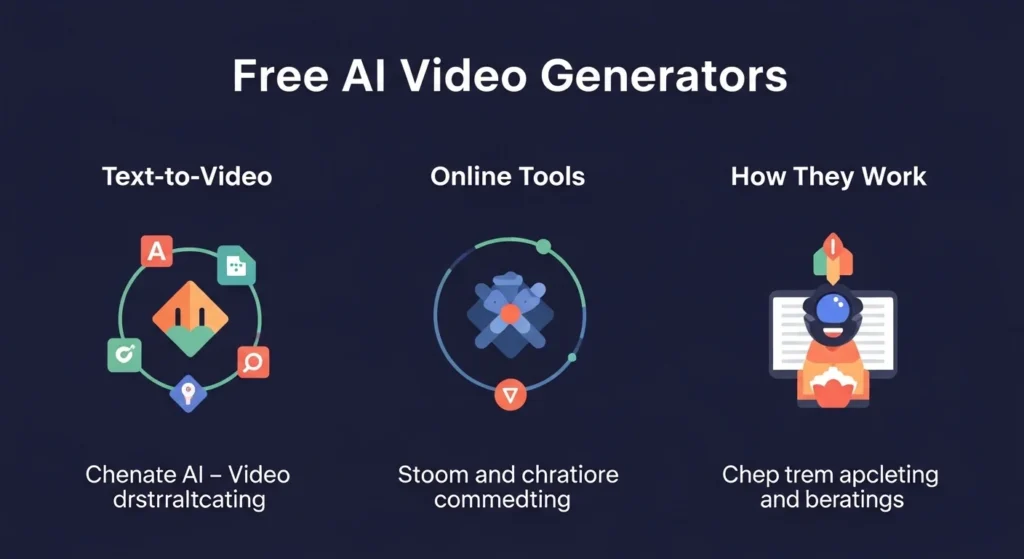
Most AI video generators rely on a combination of machine learning models, natural language processing (NLP), and computer vision. Here’s a simplified breakdown:
- Input Processing: The AI reads your text, storyboard, or images.
- Scene Generation: Algorithms generate or select video clips that match your prompt.
- Audio Integration: AI adds music, narration, or sound effects using TTS (text-to-speech) or stock audio.
- Rendering: The software combines video, audio, and animations into a polished final clip.
Table: AI Video Generator Workflow
| Step | Functionality | Output |
|---|---|---|
| Input | Text, images, or scripts | Raw data for AI processing |
| Scene Generation | AI selects or generates footage | Individual video clips |
| Audio Integration | Adds TTS or background music | Soundtrack and narration |
| Rendering | Compiles all assets | Finished video file |
This process allows automated video generation in a fraction of the time traditional video editing would take.
Types of AI Video Generators
AI video generators come in several flavors:
- Text-to-Video AI: Converts scripts or prompts directly into video clips.
- AI Media Generator: Creates animations or visual content from images or AI-generated assets.
- Automated Video Editors: AI assists with editing, transitions, and post-production.
Each type has unique benefits depending on whether you want animated content, realistic video, or AI-generated voiceovers.
Benefits of Using Free AI Video Generators
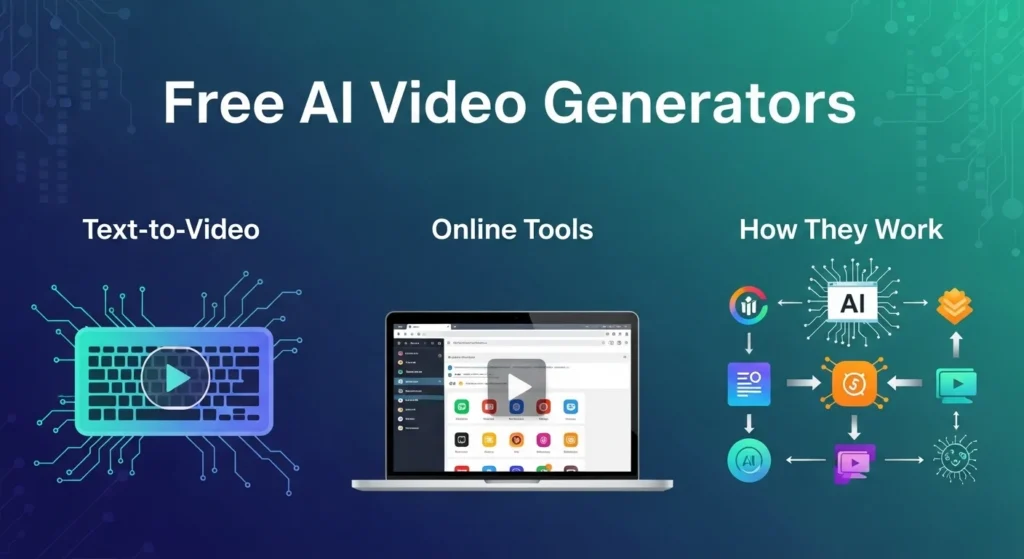
Using a free AI video generator comes with several advantages:
- Cost Efficiency: You can experiment and create videos without investing in expensive software.
- Time-Saving: Automation reduces hours of manual editing to minutes.
- Accessibility: No technical expertise required — perfect for beginners.
- Experimentation: Try out different styles, prompts, or animations quickly.
Quote:
“AI video generators don’t just save time; they open doors to creativity that was once out of reach.”
Popular Free AI Video Generator Tools
Here’s a list of some widely used free AI video generators (safe, non-adult content):
| Tool Name | Features | Free Tier Limits |
|---|---|---|
| Pictory | Text-to-video AI, stock footage, captions | 10 videos/month |
| Lumen5 | Social media videos from blog posts | Free watermark version |
| Runway ML | AI video editing & green-screen effects | Limited rendering per month |
| Synthesia | AI avatars and voiceover videos | Free demo available |
| InVideo | Templates + AI scripts | 60 videos/month free |
These platforms allow you to experiment with AI video creation, automated editing, and text-to-video AI workflows without paying a subscription.
How to Create Videos with AI Video Generators
Here’s a step-by-step approach for creating your first AI video:
- Choose your tool: Select a free AI video generator suitable for your project.
- Write a script: Keep it clear and concise. Example: “A cat plays in a sunny garden with butterflies flying around.”
- Select style & format: Decide between animation, stock footage, or AI avatars.
- Generate the video: Input your script and let the AI create scenes.
- Add audio: Integrate voiceover, music, or sound effects.
- Edit & finalize: Adjust timing, transitions, or captions before exporting.
Tip: Many platforms offer templates for social media, YouTube, or marketing, making it easier to optimize your content for each platform.
Best Practices for AI Video Creation
To maximize results from AI video generators, follow these tips:
- Be specific in prompts: More details = better output.
- Use short sentences: AI handles concise input more accurately.
- Mix text and images: Combining media types enhances realism.
- Check for copyright issues: Ensure audio and visuals are free to use.
- Test multiple AI generators: Each tool has unique strengths.
Free vs Paid AI Video Generators
| Feature | Free Tools | Paid Tools |
|---|---|---|
| Number of Videos | Limited per month | Unlimited |
| Watermarks | Often included | Usually removed |
| Customization | Basic templates | Advanced editing & effects |
| Video Quality | Up to 720p | 1080p / 4K |
| AI Features | Basic AI avatars & text-to-video | Deep AI scene generation & realistic effects |
Free tools are excellent for beginners and experimentation, but professional content creators often upgrade to paid versions for full customization, higher resolution, and advanced AI features.
Ethical Considerations in AI Video Generation
AI video generation raises ethical questions. Keep these points in mind:
- Content ownership: AI-generated videos may have restrictions. Check the terms of use.
- Accuracy: AI may misinterpret prompts, leading to misleading content.
- Deepfakes & misuse: Generating fake or harmful content is illegal in many regions. Always use AI responsibly.
- Privacy: Avoid using real people without consent.
Quote:
“AI empowers creation, but creators carry the responsibility of ethical use.”
Advanced Features of AI Video Generators
Modern AI video generators now include:
- Voice cloning & TTS: Create realistic speech from text prompts.
- Style transfer & animations: Transform video to match specific artistic styles.
- Scene enhancement: Adjust lighting, background, or movement automatically.
- Multi-language support: Produce videos in multiple languages using AI translation.
These tools expand the possibilities of AI content generation far beyond basic automated clips.
Tips for Beginners
If you’re new to AI video creation, follow these quick tips:
- Start with short, simple scripts to test the AI.
- Experiment with different styles: animation, stock footage, avatars.
- Keep track of video length and pacing. AI sometimes creates overly long or abrupt clips.
- Always preview and edit before publishing.
Future of AI Video Generation
The field is rapidly evolving:
- Higher realism: AI will create photorealistic videos from text prompts.
- Integration with AR/VR: AI-generated content will appear in immersive experiences.
- Collaborative AI: Teams will co-create videos with AI suggestions in real-time.
- Cross-platform publishing: AI will automate multi-channel distribution for social media, marketing, and e-learning.
Conclusion
Free AI video generators are no longer a futuristic concept — they are accessible, practical, and powerful tools for creators, marketers, educators, and hobbyists.
By leveraging automated video generation, text-to-video AI, and AI media generators, you can produce polished videos quickly without professional editing skills.
Remember to use these tools responsibly, focus on ethical content creation, and experiment with different free Platforms to find what suits your workflow.
With AI evolving rapidly, the possibilities for AI video creation are limitless — and the best part is, you can start today with free AI tools.
Discover More Post
- AI Unfiltered: The True Meaning and Power of Unfiltered AI in 2026
- The Ultimate Guide to AI Generator No Sign Up Tools in 2026
- AI Pokémon: The Ultimate Guide to Artificial Intelligence Pokémon Creations