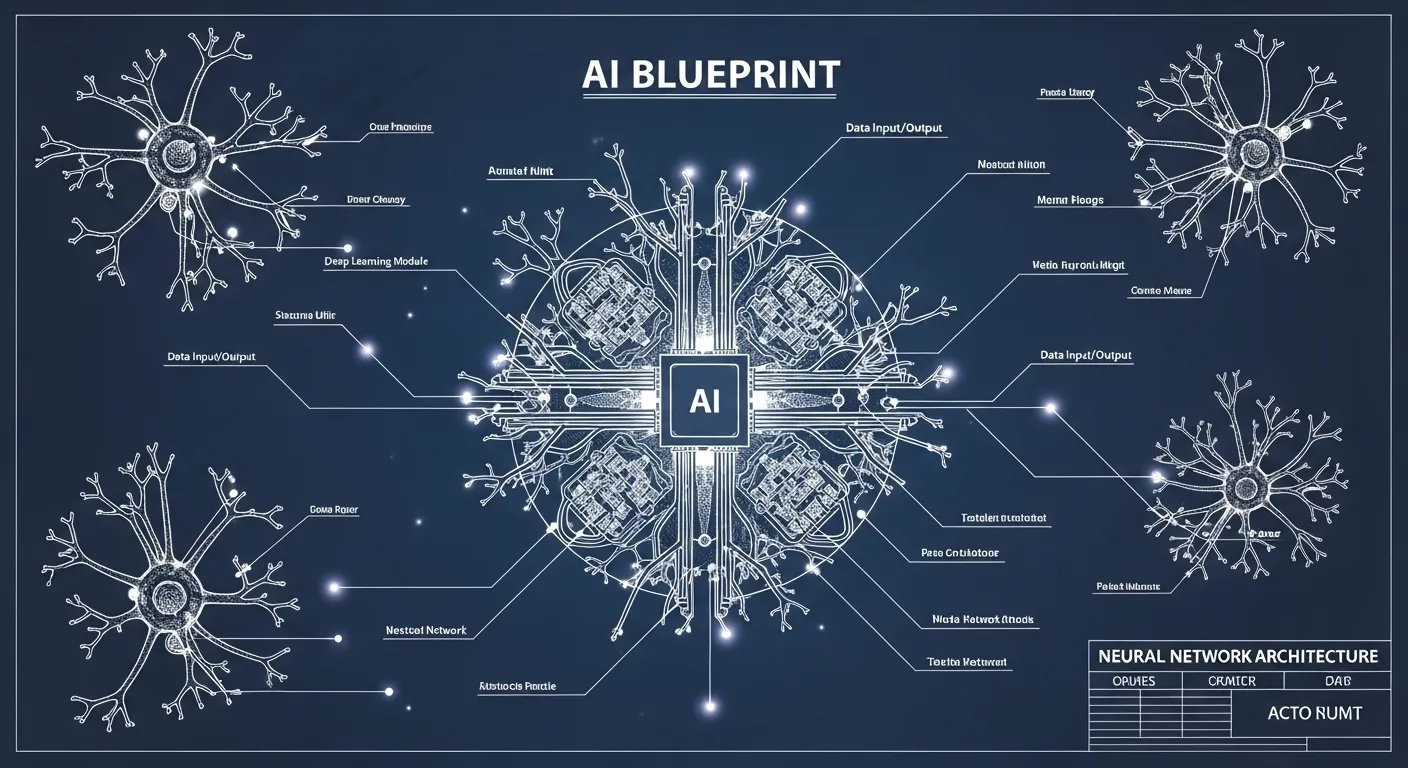


Artificial Intelligence has transformed the way we interact with technology. Among its many advancements, the AI interface stands out as a bridge between humans and machines, enabling more intuitive, adaptive, and intelligent interactions.
If it’s an AI-driven interface in apps, AI chatbot interface on websites, or complex neural network interface for enterprise systems, the way users communicate with AI is constantly evolving.
In this article, we’ll explore the world of interface AI, covering everything from design principles to advanced AI user interface trends, practical examples, and future innovations.
By the end, you’ll understand how artificial intelligence interfaces are shaping human-computer interaction today and tomorrow.
What is Interface AI?
An AI interface is a point of interaction between humans and an AI system. It can take many forms: graphical interfaces, voice-based assistants, chatbots, or even immersive visual dashboards. Unlike traditional software, an AI interface is adaptive. It learns from user behavior, predicts needs, and optimizes experiences over time.
For example:
- A conversational AI interface like a virtual assistant can answer questions, schedule tasks, and provide recommendations.
- A machine learning interface in an analytics tool adapts its visualizations based on the user’s data exploration patterns.
Key Features of Interface AI:
| Feature | Description |
|---|---|
| Adaptivity | Learns from user behavior to provide tailored experiences |
| Predictive Analysis | Anticipates user needs using AI algorithms |
| Natural Interaction | Supports conversational, visual, or gesture-based input |
| Integration | Connects seamlessly with multiple AI systems and APIs |
Types of AI Interfaces

AI interfaces can be categorized based on their mode of interaction. Understanding these types helps designers create more intuitive and effective AI user interfaces.
Conversational AI Interfaces
These include AI chatbot interfaces and voice assistants like Alexa or Siri. They rely on natural language processing (NLP) to understand user queries and provide human-like responses.
Benefits:
- Reduces friction in accessing information
- Provides 24/7 customer support
- Enhances personalization
Example: A banking AI chatbot interface can help users transfer funds, check balances, and get financial advice, all via natural conversation.
Visual AI Interfaces
AI visual interfaces display complex information through graphs, dashboards, or immersive visualizations. They’re common in enterprise AI systems, data analytics, and monitoring tools.
Benefits:
- Simplifies data interpretation
- Enables rapid decision-making
- Enhances AI dashboard design efficiency
Example: A marketing analytics platform with a smart interface AI predicts campaign performance and visually highlights key trends.
Adaptive AI Interfaces
An adaptive AI interface modifies its layout, recommendations, or functionality based on user behavior and preferences. This is essential in apps that require long-term engagement.
Benefits:
- Personalized experiences
- Reduced cognitive load
- Improved retention
Example: An e-learning platform uses an AI-driven interface to recommend courses based on user progress and interests.
Neural Network Interfaces
These interfaces interact with underlying neural network AI systems, providing users with access to deep learning models. Often found in research, predictive modeling, and AI development platforms.
Benefits:
- Enables complex model exploration
- Supports AI experimentation
- Bridges technical AI with user-friendly interaction
Example: A neural network interface in healthcare predicts patient outcomes and visualizes risk factors for doctors.
Design Principles for AI Interfaces

Designing a successful artificial intelligence interface requires a balance between usability and intelligence. Here are key principles:
1. Prioritize Human-Centric Design
An AI user interface must consider human needs first. Users should feel in control, even when the system is autonomous.
Tips:
- Use clear prompts and instructions
- Provide undo options
- Offer explanations for AI decisions
2. Ensure Transparency and Trust
Users trust AI systems that are explainable. A conversational AI interface should indicate how responses are generated.
Example: “Based on your last 5 searches, I recommend this article.”
3. Optimize for Accessibility
Interfaces should support diverse users, including those with disabilities. AI can enhance accessibility through voice commands, text-to-speech, or predictive text.
4. Seamless Interaction
AI interaction design should be intuitive and frictionless. Avoid unnecessary clicks or complex menus.
Techniques:
- Context-aware suggestions
- Predictive inputs
- Adaptive layouts
5. Continuous Learning
The best AI interfaces evolve. They learn from usage patterns and improve over time, making the interface smarter and more user-friendly.
AI UX Design and Human-Computer Interaction
AI UX design focuses on how humans perceive and interact with AI-powered interfaces. Good human-computer interaction AI ensures that users feel understood, guided, and satisfied.
Core Aspects:
- Responsiveness: Immediate feedback enhances user confidence
- Personalization: Tailoring content and functions improves engagement
- Predictive Assistance: AI anticipates needs without being intrusive
Fact: According to a 2025 Gartner report, companies that prioritize AI UX design see a 30% increase in user engagement compared to traditional interfaces.
AI Dashboard and Automation Interfaces
AI dashboards are critical in enterprise settings. They consolidate data, predictions, and insights, providing actionable intelligence.
Key Features of AI Dashboards:
- Real-time analytics
- Interactive charts
- Alerts and recommendations
Example Table: AI Dashboard Features
| Feature | Purpose |
|---|---|
| Predictive Analytics | Forecasts trends using ML models |
| Interactive Graphs | Enables users to explore data visually |
| Alerts | Notifies users of anomalies or important changes |
| Integration | Connects with external AI and business systems |
AI automation interfaces further enhance productivity by automating repetitive tasks. From scheduling emails to predictive maintenance, AI-powered interfaces reduce human effort and errors.
Smart AI Interfaces in Everyday Life
Smart interface AI is increasingly common in consumer devices:
- Smartphones: AI keyboards predict words and autocorrect mistakes
- Home assistants: Devices like Google Home use conversational AI interfaces
- Wearables: Adaptive AI interfaces monitor health metrics and suggest improvements
Quote: “AI interfaces aren’t just tools—they’re collaborators that help humans make better decisions.” — Tech Insider, 2025
AI Interface Development Best Practices

Building a successful artificial intelligence interface involves combining AI technology with strong design thinking.
Steps:
- Define the user and their goals
- Select the right AI technology (chatbot, ML model, visual dashboard)
- Prototype the interface with real users
- Collect feedback and iterate
- Integrate transparency, adaptivity, and accessibility features
Tip: Use a machine learning interface to continuously refine AI predictions and enhance user experience.
Future Trends in AI Interfaces
The future of AI interface design is exciting. Some trends include:
- Voice-first interfaces: Conversational AI will dominate hands-free devices
- Emotion-aware interfaces: AI will detect user emotions and adapt responses
- Multimodal interfaces: Combining voice, gesture, and visual interactions
- Augmented reality AI interfaces: Immersive experiences for education, healthcare, and gaming
- AI system interaction analytics: Interfaces will track engagement to improve UX dynamically
Fact: MarketsandMarkets predicts the AI interface market will grow to $23 billion by 2030, driven by AI adoption in business, healthcare, and education.
Challenges in AI Interaction Design
Despite advancements, AI interaction design faces challenges:
- Bias in AI models: Can affect recommendations and responses
- Privacy concerns: Interfaces must handle sensitive data responsibly
- Complexity: Too many features can overwhelm users
- Explainability: Users demand clear reasoning behind AI actions
Best Practice: Designers should combine AI power with human-centered design to build trustworthy, effective interfaces.
AI Interfaces Across Industries
AI interfaces are transforming multiple sectors:
| Industry | Application | Interface Type |
|---|---|---|
| Healthcare | Predictive diagnostics | Neural network interface |
| Finance | Chatbots for banking | Conversational AI interface |
| Retail | Personalized shopping | Adaptive AI interface |
| Education | E-learning recommendations | Smart interface AI |
| Manufacturing | Predictive maintenance | AI automation interface |
Each industry benefits uniquely, but the common thread is improved efficiency, user satisfaction, and decision-making.
Conclusion
The evolution of interface AI is reshaping how humans interact with technology. From AI chatbots to adaptive AI interfaces and AI dashboards, these systems are becoming smarter, more intuitive, and increasingly human-like.
As AI continues to learn, predict, and personalize, AI user interfaces will play a pivotal role in bridging the gap between human intent and machine intelligence.
If you are a designer, developer, or business leader, understanding AI interaction design principles is essential for creating effective, trustworthy, and engaging interfaces.
Embracing these innovations today ensures that tomorrow’s AI interfaces won’t just be tools—they’ll be collaborators, helping humans achieve more than ever before.
Discover More Post
- AI Blueprint: The Complete Guide to Building a Powerful Artificial Intelligence Strategy
- AI Powerball Numbers: Can Artificial Intelligence Really Predict Winning Lottery Numbers?
- Looka AI Logo Maker: The Complete Guide to Creating Stunning Logos with AI